
01
Find your proportions
Break a complex image into approachable squares and focus on one area at a time.
A LITTLE STRUCTURE. A LOT OF CREATIVITY.
Turn a photo into a drawing reference with a customizable grid. Adjust the rows, columns, line color and coordinates, then download your image as a PNG.
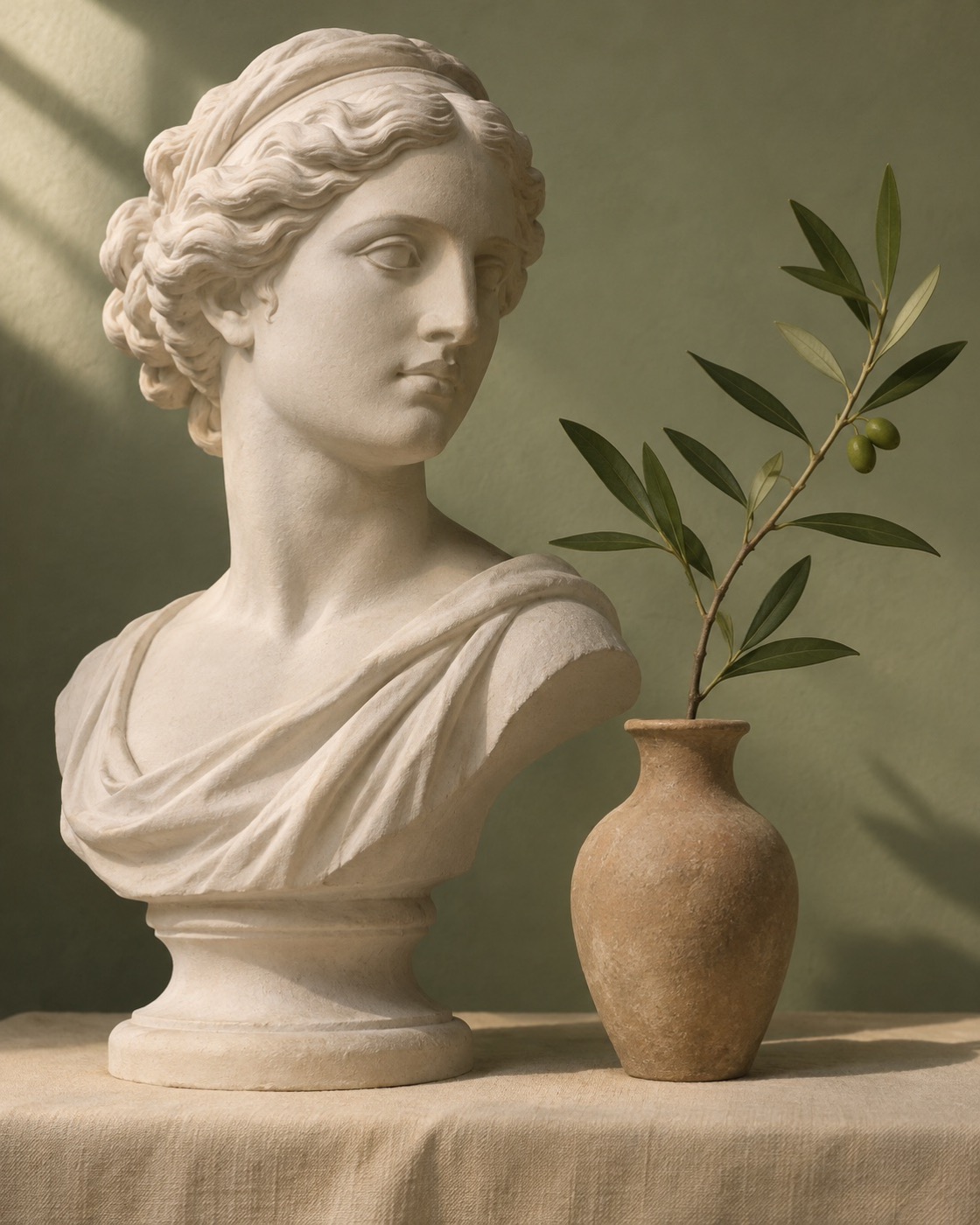
Start with a photo, make it your own.
Drop an image here to replace it
A simple workspace to make the first mark with confidence.
Break a complex image into approachable squares and focus on one area at a time.
Adjust the rows, color and line style until the reference feels just right.
The editor processes your image on your device. If allowed, Adsterra advertising code can access page content, including images.
Four thoughtful steps, from reference to your first lines.
Upload a photo or start with the studio sample.
Choose the number of rows and columns that suits your subject.
Adjust the color, line weight and coordinates for a clear reference.
Download the gridded reference as a PNG. For a printable blank grid, use the paper drawing tool.
Need a matching blank grid for paper? Paper drawing tool
Grid method guide
A quiet, practical companion for learning, teaching and making art.
Whether you are learning to draw, preparing a lesson or planning a finished piece, grid drawing tools help you break a reference into manageable sections. Work one square at a time on paper or a digital canvas while keeping the overall composition in view.
Yes. You can create and download drawing grids without an account.
The editor does not upload images: it processes them in your browser and clears them when you refresh or close the tab. If you allow advertising, Adsterra code can access page content, including selected images. See the privacy policy for details.
Yes. Set different physical cell sizes for the reference and the drawing paper while keeping the same rows, columns and coordinates.
Choose a PNG, JPG or WebP image up to 15 MB.
Start with the suggested grid. Fewer squares are easier to follow; more squares can help you place smaller details.
Yes. Set the number of rows and columns separately, from 1 to 100 each. Use the preview to check how the square grid fits your image.
Yes. You can change the line color, style, opacity and width, and show or hide coordinates. A black-and-white image option is also available.
Download a PNG for a gridded image. Use the paper drawing tool to download a printable PDF containing the reference, the blank drawing grid, or both. Open the paper drawing tool
In the paper drawing tool, choose your paper size and cell sizes. When printing the PDF, select 100% or Actual size, then measure a square to check the result.
Select at least one PDF page. If a selected grid or its coordinates exceed the available area, reduce the cell size or margin, or choose a larger sheet. PDF page sides cannot exceed 5,080 mm (200 in).
A good drawing starts one square at a time.
Create your grid